Prop Coach · on your chart
Prop Coach on your chart
A prop firm gives you an account with a loss limit, a trailing floor and a consistency rule. Break one and the eval is gone. Most traders find out after the fact. Prop Coach keeps the firm's line in front of you while you trade: one word, one number, after every trade.
Free week, then $9 a month How it works
Why anyone uses it
How you use it
1Pick your firm and account size. Five picks: firm, account size, evaluation or funded, your balance right now, your stop per trade. The firm's drawdown, limits and clock are filled in from the researched rulebook.
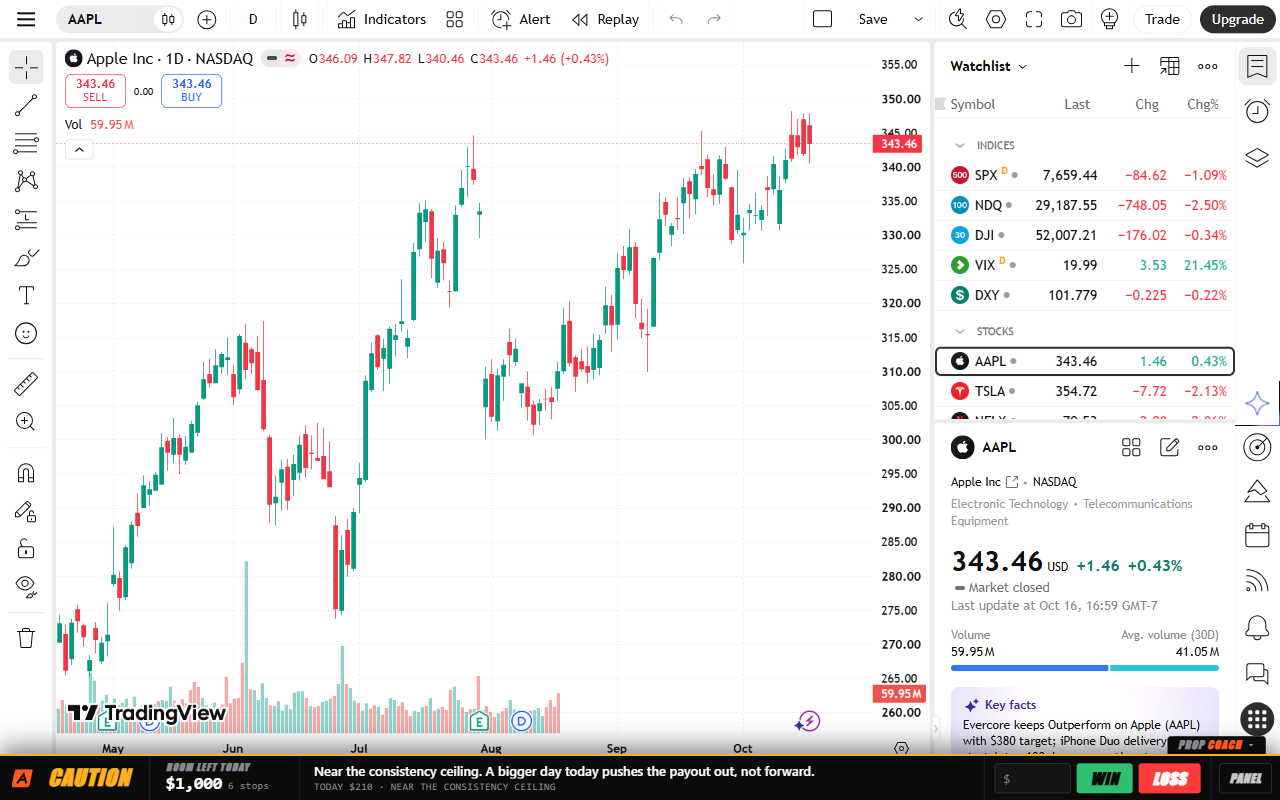
2After each trade, type the dollars and press WIN or LOSS. On the bar or in the panel. If your platform shows its balance and P&L as text, the bar reads those instead and the keys switch off.
3Watch the word and the number. That is how much room you have before your firm's rule ends your day. Below it, one line from the coach.
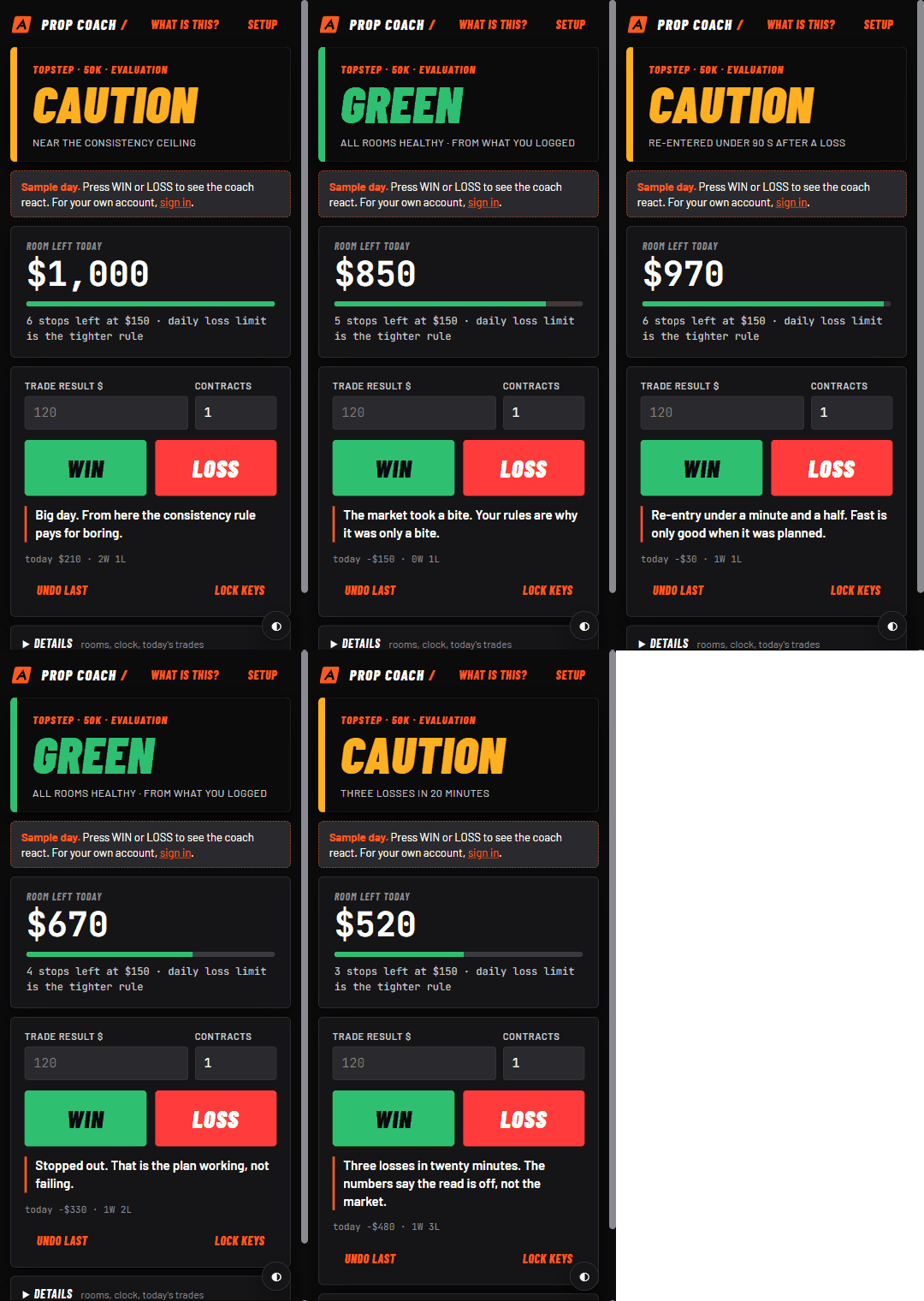
Try it before you sign in
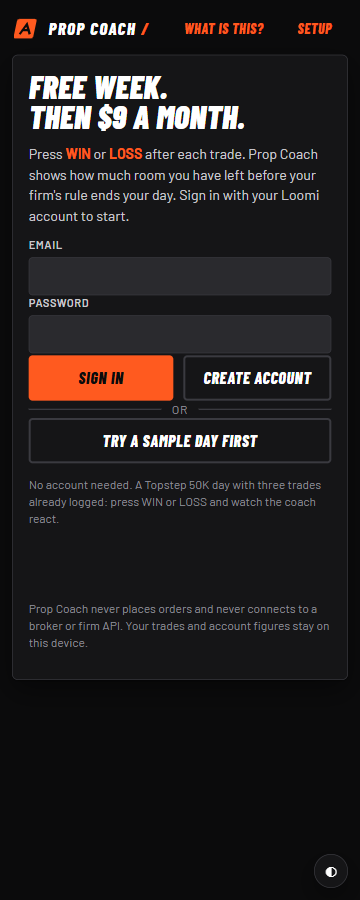
What it costs
Free week. Then $9 a month.
No card for the free week. Cancel from the Stripe email at any time. Start here after installing from the Microsoft Edge Add-ons store or the Chrome Web Store.
Questions
- Does it place orders or connect to my broker?
- No. It has no broker connection and no firm API. It reads, it never writes.
- What if my platform does not show the balance as text?
- Press WIN or LOSS yourself. Both views use your log. NinjaTrader desktop users can run the optional local bridge, which feeds the bar from your own PC.
- Which firms?
- Topstep, Apex Trader Funding, MyFundedFutures, Take Profit Trader, TradeDay, Tradeify, Earn2Trade, FundedNext Futures, Lucid Trading and Elite Trader Funding, from the researched rulebook. Your firm dashboard always wins; every preset can be overridden under Advanced.
- Does it tell me when to stop?
- No. It shows the firm's line and how far you are from it. STOP means the firm's own rule has ended the day, not the coach's opinion.
- Where does my data go?
- Your trades and account figures stay in your browser. Sign-in goes to the same account service as loomiai.io. The privacy policy lists every request it makes.
Prop Coach is independent coaching software. Firm names only tell you which rulebook is loaded; no firm endorses it.